5 Ways Google Home Is Becoming Your Smarter Home Assistant
Google Home has long promised to be the ultimate smart home hub, but its latest updates are finally closing the gap between sci-fi fantasy and everyday reality. With the rollout of Gemini for Home early access and the Google Home app version 4.16, the assistant is learning to connect the dots— literally. From remembering who the nanny is to speeding up your morning routine, these changes aim to make your home feel truly intelligent. Let's dive into the five key improvements that are reshaping how you interact with your Google Home devices.
1. Smarter Context: It Knows Who You Mean
One of the biggest frustrations with voice assistants is when they miss obvious context. If you ask “Where’s the nanny?” or “Is my wife’s car in the driveway?” a dumb speaker would just search the web. But Gemini for Home now taps into your saved household details—like names and relationships—to answer with real understanding. You can link camera feeds to people you’ve defined, so a query about “the nanny” pulls up relevant video clips or location info. This update, detailed in Google’s May 11 release notes, turns generic voice commands into personalized household intelligence. No more robotic confusion; your assistant finally gets who’s who.
2. Faster Timers and Alarms: Speed When You Need It
Setting a timer for pasta or an alarm for a meeting should happen in a split second, but Google Home’s earlier response times sometimes lagged. The Gemini upgrade brings speed improvements directly to timers and alarms. Now, when you say “Set a 10-minute timer,” the assistant reacts noticeably quicker—no more staring at a spinning circle. This might seem small, but in a busy kitchen or morning rush, every millisecond counts. Google optimized the voice processing pipeline for these common tasks, making the experience feel more like a natural conversation than a waiting game. Your routine just got a touch less friction.
3. Feedback Buttons on Smart Displays: Voice Your Opinion
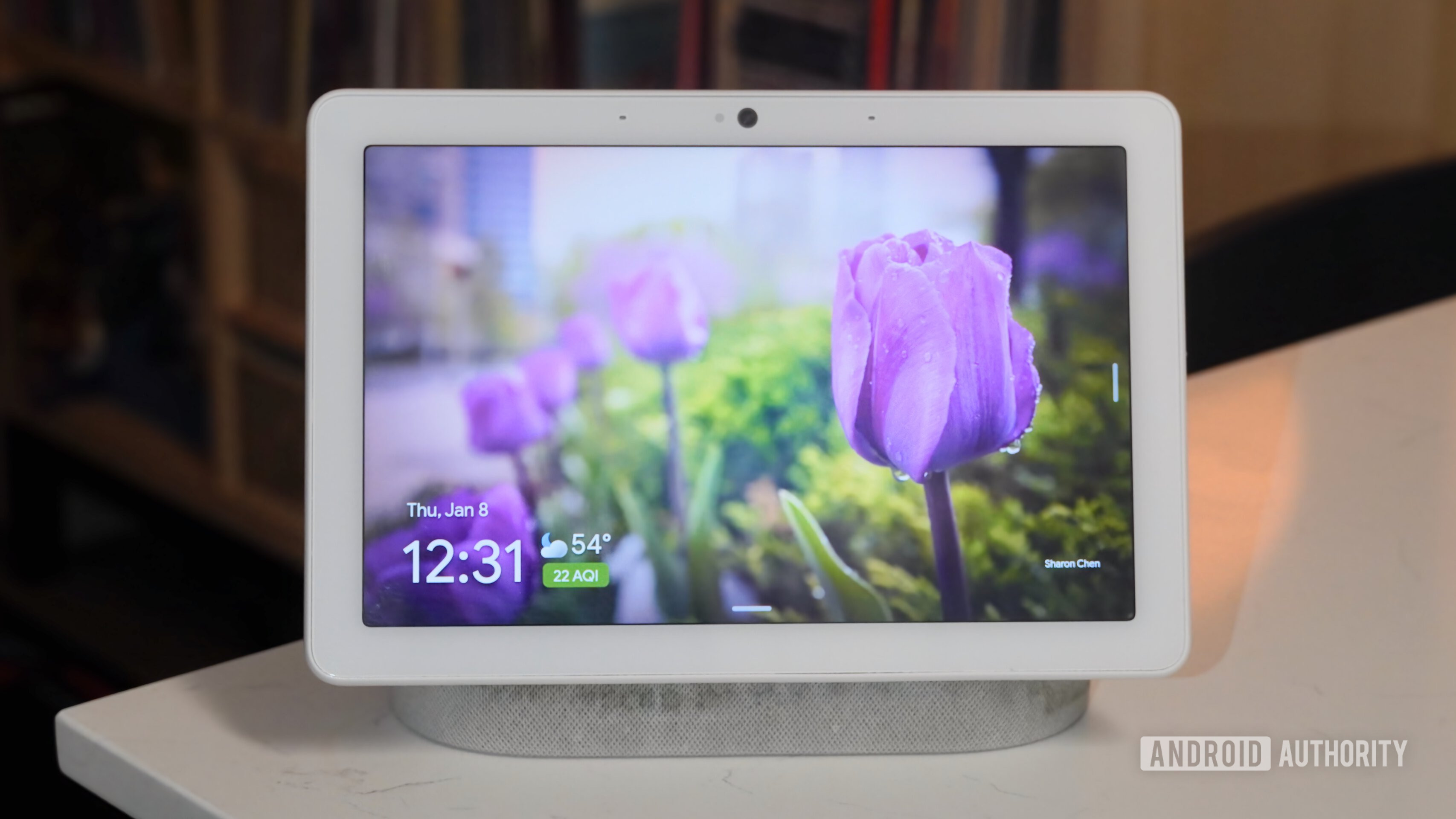
Smart displays like the Nest Hub are getting a new interactive feature: thumbs-up and thumbs-down buttons that let you rate voice command responses. After your assistant answers a question or completes a task, you’ll see these feedback icons on the screen. Tapping them helps Google learn what works and what doesn’t, tailoring future replies to your preferences. For example, if a weather summary is too wordy, a thumbs-down can shorten it next time. This direct feedback loop turns your smart display into a self-improving assistant, and it’s a small but powerful step toward more personalized interactions.
4. Thermostat Controls in the App: Smarter Climate Management
The Google Home app version 4.16 introduces improved thermostat controls, making it easier to manage your home’s temperature without fiddling with multiple menus. You can now access quick adjustments, schedule changes, and energy-saving tips right from the main dashboard. The update also streamlines the interface for Google Nest thermostats, so setting a nighttime temperature or viewing your energy history takes fewer taps. If you’ve ever struggled to find the eco mode option, this redesign will feel like a breath of fresh air—literally. Smart home efficiency doesn’t get much simpler than this.
5. QR Code Setup: Effortless Device Pairing
Adding new smart home gadgets used to be a headache of Wi-Fi passwords and app confusion. With the Google Home app 4.16, you can now scan a QR code on compatible devices to initiate setup instantly. No more typing lengthy codes or searching for hidden pairing modes—just point and pair. This feature reduces the friction of expanding your smart home ecosystem, whether you’re adding a new plug, light, or sensor. Early adopters report a smoother, more intuitive process that cuts initial setup time in half. Finally, onboarding feels as smart as the devices themselves.
These five updates aren’t just incremental—they’re foundational steps toward a smarter, more responsive Google Home. By connecting context, speeding up common tasks, and listening to your feedback, the assistant is evolving from a simple voice tool to a genuine household helper. Whether you’re an early access user or waiting for the public rollout, the future of home automation is looking a lot more conversational. Keep an eye on your Google Home app; these changes are rolling out now, and they might just surprise you.