How to Get the Most Out of Your INIU SnapGo Air 25W Magnetic Power Bank
Introduction
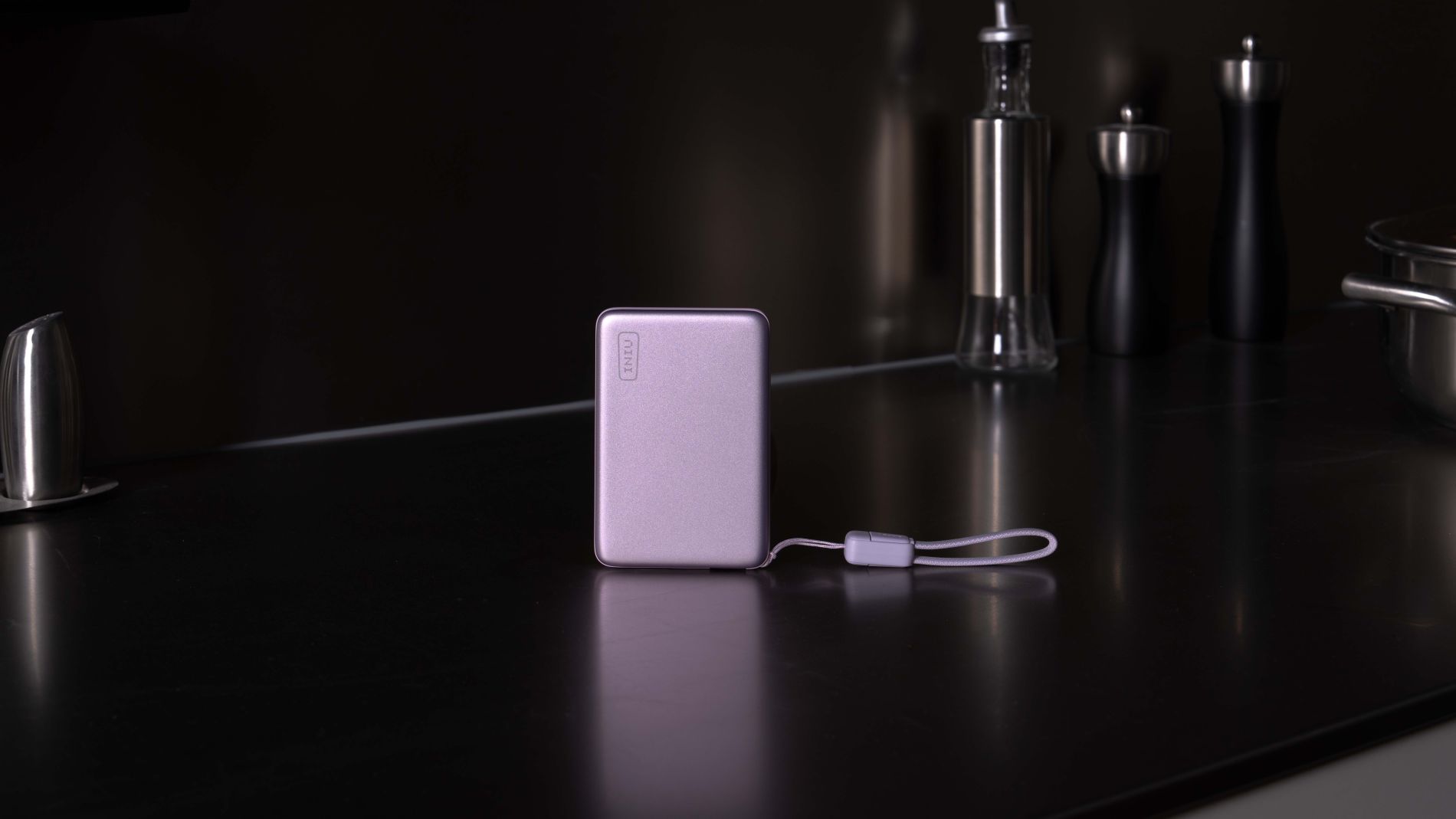
If you've been searching for a power bank that doesn't weigh you down but still delivers serious charging speed, the INIU SnapGo Air might be exactly what you need. This ultra-thin magnetic charger packs a 10,000mAh battery into a design just half an inch thick, yet it offers 25W wireless charging thanks to Qi2.2 certification. That means you can juice up your iPhone to 50% in about 33 minutes—no cable fumbling required. Whether you're commuting, traveling, or just trying to keep your phone alive through a busy day, this guide will walk you through everything you need to know to use the SnapGo Air effectively.
What You Need
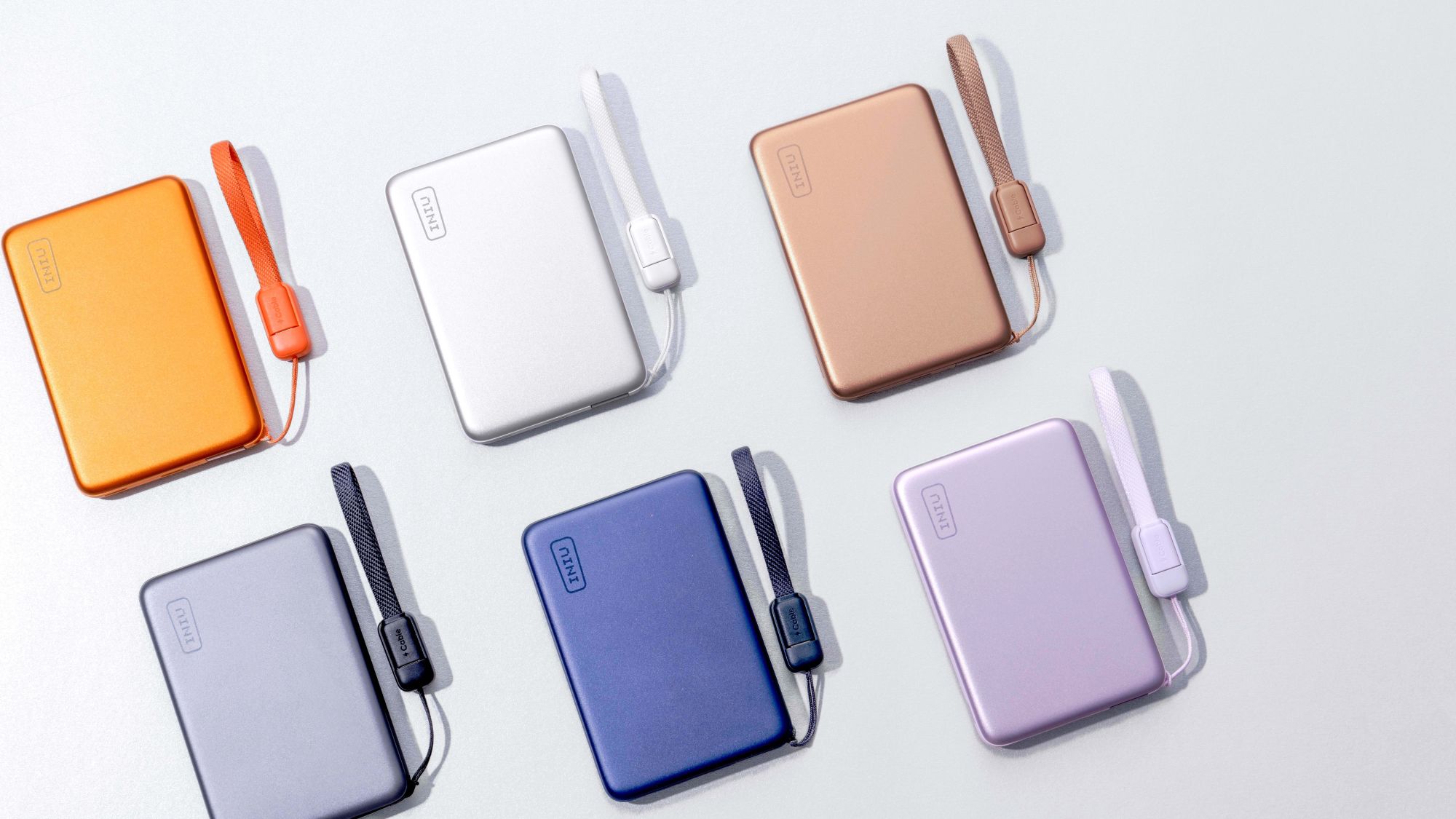
- INIU SnapGo Air 10000mAh Power Bank – available in six colors including Space Gray, Soft Lilac, and Sunset Orange.
- A Qi2-compatible smartphone – preferably an iPhone 12 or later for full 25W wireless speeds. Android phones with Qi2 support may also work, but speeds may vary.
- A USB-C to USB-C cable (included with the power bank) for recharging the SnapGo Air or for wired charging of tablets and lightweight laptops.
- A wall charger (recommended 20W or higher) to quickly refill the power bank’s 10,000mAh battery.
- Optional: A phone case – while the SnapGo Air has a strong magnetic attachment, a thin case (ideally MagSafe-compatible) won’t interfere.
Step-by-Step Guide
Step 1: Check Device Compatibility
Before you start, make sure your smartphone supports Qi2 wireless charging. For iPhone users, models from the iPhone 12 onward are fully compatible and can take advantage of the 25W peak speed. Android users should verify that their device supports Qi2 or at least standard Qi charging—note that speeds may be capped at 15W or lower depending on the phone. The SnapGo Air’s magnetic alignment works best with phones that have built-in magnets, but you can use a magnetic ring adapter if your case doesn't have them.
Step 2: Ensure the Power Bank Is Charged
Your SnapGo Air comes with some charge out of the box, but for best results, fully charge it before your first use. Connect the included USB-C cable to the power bank’s input port and plug the other end into a wall charger. A 20W or higher adapter is recommended. The power bank will take roughly 2–3 hours to reach full capacity. Look for the LED indicators on the side to confirm the battery level—four lights mean 100%.
Step 3: Attach the Power Bank Magnetically
Peel off any protective film from the back of the SnapGo Air, then hold it near the back of your phone. The built-in magnets will snap it into place with a satisfying click. Ensure the charging coil aligns with your phone’s wireless charging receiver (the power bank's logo or LED area is usually the sweet spot). The SnapGo Air’s stronger-than-average magnetic grip means it won’t slide off easily, even when you’re walking or using the phone in landscape mode.
Step 4: Start Wireless Charging
Once attached, the power bank will automatically begin charging your phone. You should see a charging indicator on your phone’s screen and the SnapGo Air’s LED will glow. If charging doesn’t start, press the power button on the side of the unit once. The default wireless output is 25W for compatible iPhones. If you hear a double buzz or see a “charging slowly” message, try repositioning the bank. For supported iPhones, you can expect a 50% charge in about 33 minutes.
Step 5: Monitor Battery Level and Charging Status
Keep an eye on the SnapGo Air’s four LED lights. Each light represents roughly 25% of the power bank’s capacity. When one light blinks and then turns off, you’ve used that quarter of the battery. The power bank will automatically stop charging when your phone reaches full, or when the bank itself is depleted. You can also check your phone’s battery widget to see if wireless charging is active.
Step 6: Use Wired Charging for Larger Devices
If you need to charge a tablet (like an iPad) or a lightweight laptop (such as a MacBook Air), simply connect a USB-C cable from the SnapGo Air’s output port to your device. The bank supports up to 45W wired charging, which can replenish a tablet faster than wireless. To switch to wired mode, press the power button once after connecting the cable. The power bank will automatically prioritize the wired connection over the wireless pad. This can give you nearly two full charges for most iPhones or more than one charge for a tablet.
Step 7: Recharge the SnapGo Air
When the power bank’s LEDs show only one light remaining (or none), it’s time to recharge. Plug the USB-C cable into the power bank’s input port (same port as output) and connect to a wall charger. While it’s recharging, you can still use the wireless charging pad on the front to charge a phone—just note that the phone will charge slower because the bank is also refilling its own battery. For fastest recharging, use a 30W adapter.
Tips for Best Performance
- Optimize wireless alignment: The SnapGo Air’s charging coil is centered about an inch from the top edge. On an iPhone, this aligns with the camera bump area. If charging feels slow, nudge the bank slightly up or down until you see the fast charging icon.
- Use a thin case: While the magnets are strong, thick cases (over 5mm) or those with credit card holders can weaken the magnetic hold and reduce charging efficiency. Stick to slim MagSafe-compatible cases.
- Keep both devices cool: Wireless charging generates heat. If you notice your phone or the power bank getting uncomfortably warm, detach them and let them cool down. Avoid charging under direct sunlight or in a hot car.
- Travel smart: The half-inch profile makes the SnapGo Air easy to slip into a small pocket or clutch. For long trips, pair it with a high-wattage wall charger so you can top up the bank overnight at your hotel.
- Check for firmware updates: Occasionally, INIU may release firmware updates to improve charging speed or magnetic strength. Visit their website or contact support to see if your unit can be updated.
- Color coordination: The SnapGo Air comes in six colors, so you can match it to your phone or style. Space Gray and Midnight Black are versatile, while Soft Lilac and Sunset Orange add a pop of color.
Conclusion
The INIU SnapGo Air proves that you don’t have to sacrifice charging speed for portability. By following these steps, you can enjoy fast 25W wireless charging on the go, keep your phone powered through a full day, and even top up your tablet or laptop when needed. Its slim design and strong magnetic attachment make it a no-fuss companion for everyday carry. Whether you’re a commuter, a traveler, or just someone who hates low-battery anxiety, the SnapGo Air is a solid investment. For more details, check out the official product page on INIU’s website.